The traditional copy-paste loop
Every correction becomes a separate context-switching task.
- Accidentally write apologetic filler
- Feel self-conscious about sounding timid
- Manually hunt for passive qualifiers
- Lose authoritative presence
Make Text More Confident
Phrases like "I just think maybe", "Sorry to bother you", and "If that's okay" undermine your authority. Polish strengthens your voice and makes you sound confident and decisive.
Sorry to bother you, but I just wanted to ask if maybe you had time to check my pull request whenever you get a chance?
Could you please review my pull request when you have a moment today? Thank you!
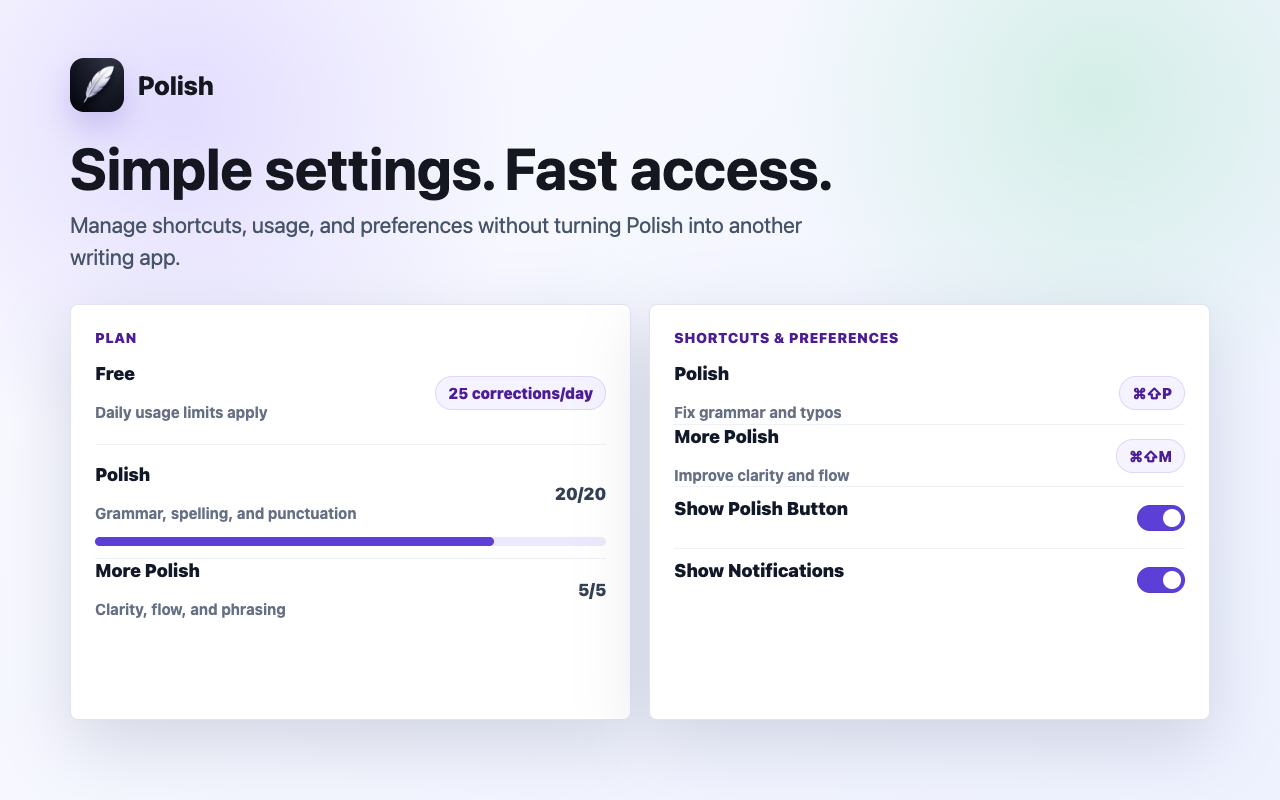
See it in action: Highlight any text in Work & Leadership, press ⌘⇧P (Mac) or Alt+Shift+P (Windows), and watch Polish improve it in place in ~0.7 seconds.
Remove the detour
Polish eliminates the extra workflow between noticing a draft and perfecting it.
Every correction becomes a separate context-switching task.
Fix writing in ~0.7s where work is already happening.
Presets for every scenario
Whether sending high-stakes business emails or casual team replies, Polish provides intelligent presets tailored to your context.
Polished, diplomatic, and executive-ready phrasing for work emails and client outreach.
Warm, approachable, and constructive tone for Slack and collaborative team messages.
Cuts unnecessary fluff and filler words to deliver crisp, high-impact executive summaries.
Removes timid qualifiers and passive voice to speak with authority and conviction.
Empathetic, clear, and solution-oriented replies that boost CSAT scores and speed up resolution.
Punchy value propositions and clear calls to action that increase response rates.
Sub-second spelling, punctuation, and grammar fixes while staying 100% true to your original words.
Natural English phrasing and preposition adjustments for non-native speakers.
Built for speed & focus
Polish fixes grammar, flow, and tone while keeping your exact facts, numbers, and intent 100% intact.
Zero background keystroke tracking. Polish reads text only when you explicitly press the shortcut.
Powered by Cerebras AI chips to deliver in-place replacements in ~0.7s with zero lag.
Speed & Workflow Comparison
Compare the traditional copy-paste loop against in-place sub-second polishing.
| Workflow Feature | External AI / ChatGPT | Bulky Extensions | Polish AI |
|---|---|---|---|
| Correction Speed | 40-60 seconds | 5-10 seconds | ~0.7s (Sub-second) |
| In-Place Editing | Requires new tab and paste | Floating sidebars | Replaces text in place |
| UI Distractions | Constant tab switching | Red squiggly lines and popups | Zero popups, quiet |
| Keystroke Privacy | Cloud copy-paste | Continuously logs typing | Zero keylogging on-demand |
| Code and Markdown | Often breaks formatting | Strips backticks | 100% Preserved |
Related workflows
Switch between Professional, Friendly, Formal, and Concise tones with one shortcut. Polish adapts your writing to any audience in ~0.7s.
Transform blunt or cold messages into warm, friendly, and engaging text. Polish adjusts your tone in place in under a second.
Elevate informal drafts into formal, diplomatic business and legal correspondence in Chrome with one keyboard shortcut.
Questions & Answers
No. Polish operates with zero keystroke logging. It acts only after you explicitly select text and trigger the keyboard shortcut (⌘⇧P / Alt+Shift+P) or context menu.
No. Polish preserves your exact facts, names, numbers, code, and intent. It refines grammar, tone, and clarity without hallucinating or rewriting your core message.
Polish is designed to work in standard text fields, textareas, and rich-text editors (Draft.js, Slate, ProseMirror, Quill, Lexical, Notion, Google Docs) across Chrome.
Yes. The Free plan includes 10 free Polish actions every day with zero credit card required.
Install Polish and try your next draft free.